
Taking effective study notes is one of the most important habits for students. However, writing notes manually can take a lot of time, especially when students have multiple subjects to study.
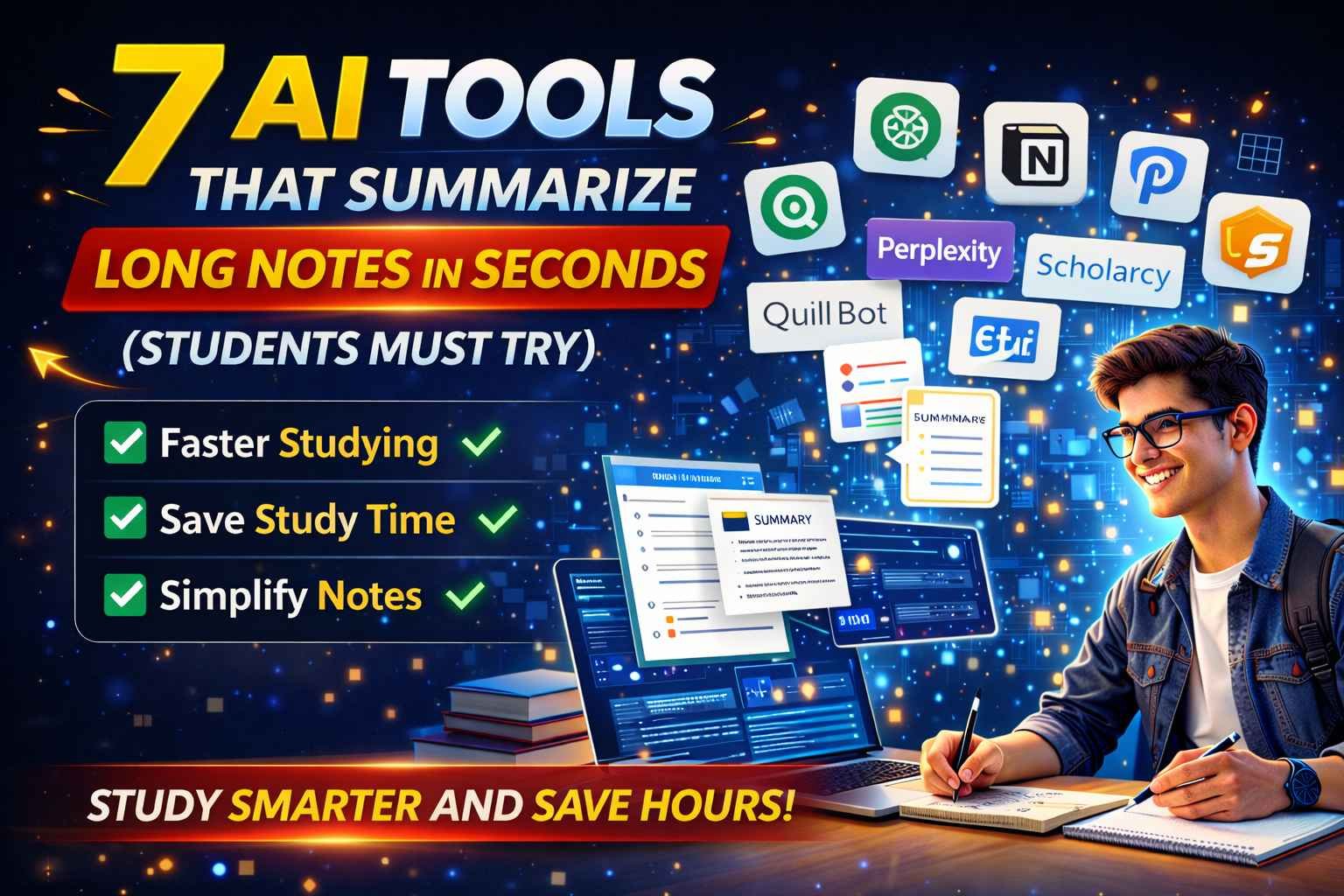
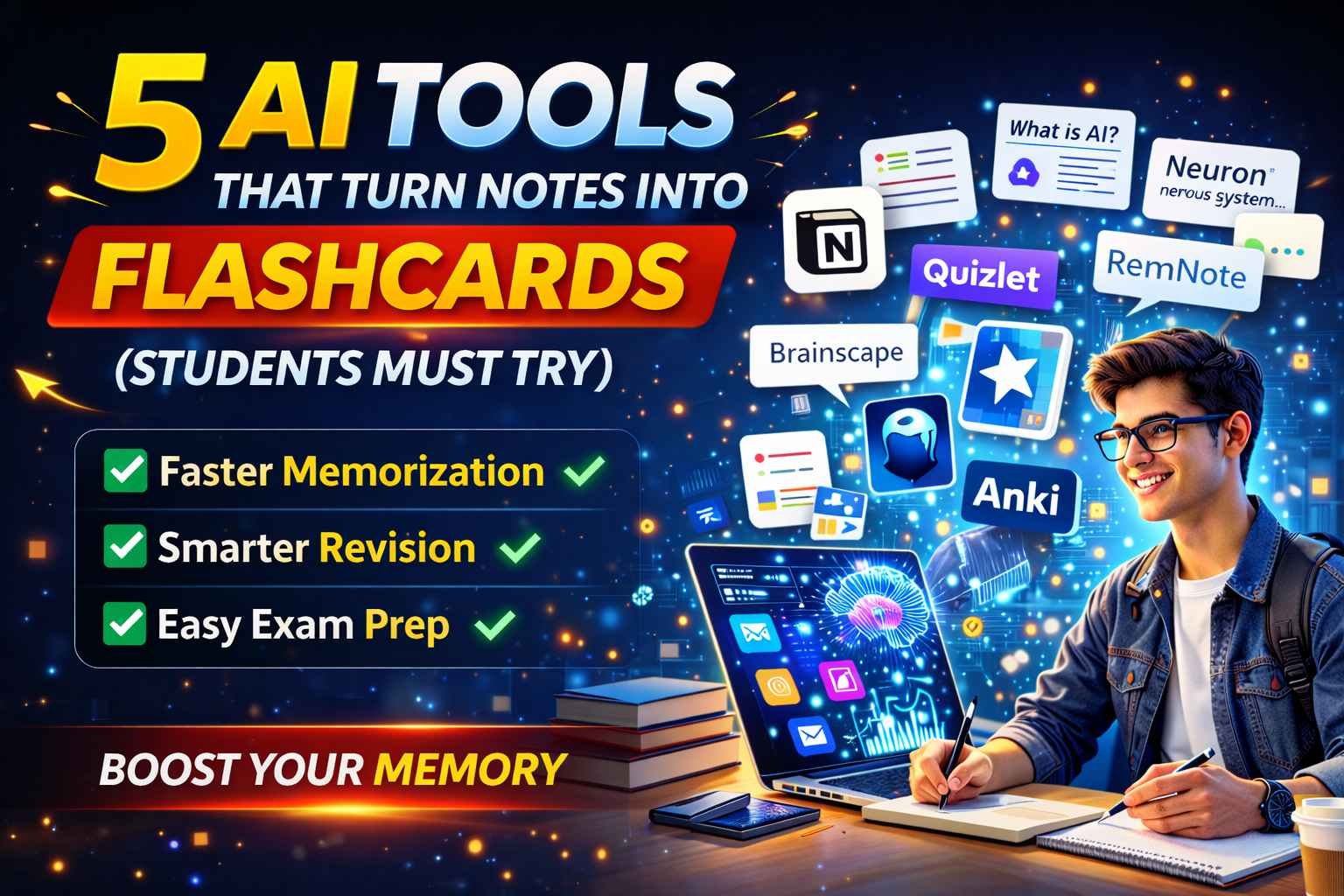
Thanks to modern technology, AI tools can now help students create organized and smart study notes within minutes. These tools can summarize long lectures, convert text into notes, and even generate flashcards for revision.
In this article, we will explore 10 best AI tools for making study notes faster and smarter.



1. Notion
Notion is one of the most popular note-taking tools used by students. With its AI features, it can quickly summarize long text and organize notes automatically.
Students can use Notion to:
- Create structured study notes
- Organize subjects and chapters
- Summarize long articles or lectures
2. ChatGPT
ChatGPT is extremely helpful for generating study notes from complex topics.
Students can ask ChatGPT to:
- Summarize chapters
- Explain difficult topics
- Convert paragraphs into bullet points
This makes note-taking much faster.
3. Evernote
Evernote is a powerful note-taking tool that helps students organize notes across different subjects.
Features include:
- Text and voice notes
- Image notes
- Organized notebooks for subjects
It is perfect for keeping all study notes in one place.
4. Otter.ai
Otter AI can record lectures and convert them into written notes automatically.
Students can:
- Record lectures
- Convert speech into text
- Highlight key points
This makes it easier to review lectures later.
5. Perplexity AI
Perplexity AI helps students research topics quickly and generate concise explanations.
It provides:
- Quick answers
- Research sources
- Summarized explanations
This is useful when creating notes from research topics.
6. Google Docs
Google Docs is widely used for making digital notes.
Students can:
- Write structured notes
- Collaborate with classmates
- Access notes from any device
It also supports voice typing for faster note creation.
7.
Canva allows students to create visual notes and infographics.
Students can:
- Design study charts
- Create visual summaries
- Make colorful revision notes
Visual notes improve memory and understanding.
8. QuillBot
QuillBot helps students rewrite and simplify study material.
It can:
- Paraphrase complex text
- Improve note clarity
- Convert long text into simple language
9. Microsoft OneNote
OneNote is another powerful note-taking tool designed for students.
Features include:
- Organized notebooks
- Drawing and handwritten notes
- Easy topic categorization
It is widely used by students and teachers.
10. Speechify
Speechify converts written notes into audio format.
Students can:
- Listen to study notes
- Review lessons while multitasking
- Improve memory retention
Final Thoughts
AI tools are transforming the way students create and organize study notes. Instead of spending hours writing notes manually, students can now use AI-powered tools to summarize lectures, organize information, and improve productivity.
The tools listed above are among the best AI note-taking tools for students in 2026, and most of them offer free plans.
Using these AI tools can help students save time, study smarter, and remember information more effectively.